
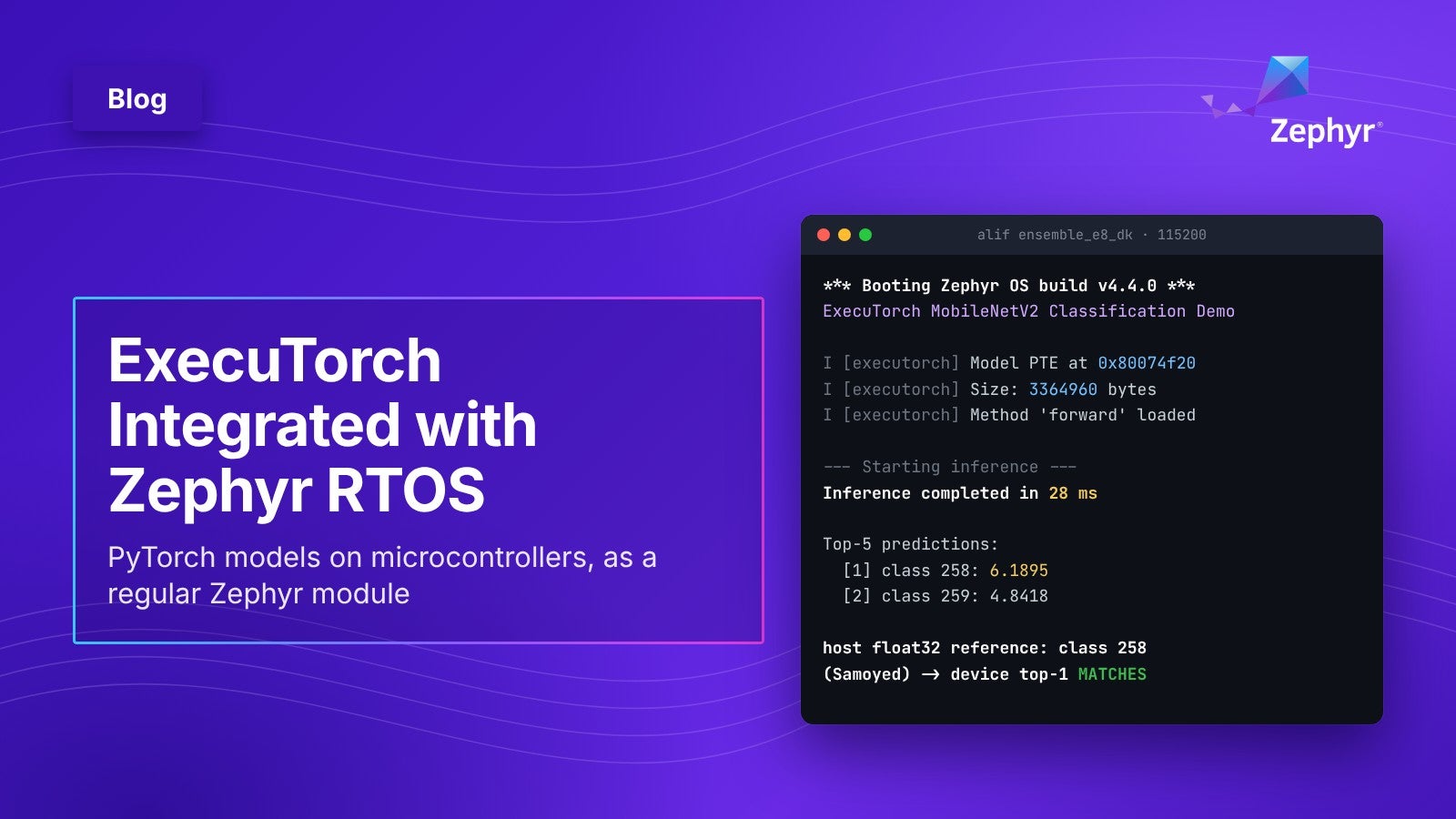
ExecuTorch is now a Zephyr module. You add it to your manifest, configure it in prj.conf, and build it with west like anything else.
ExecuTorch is PyTorch’s open source export and runtime stack for running AI locally on edge devices such as phones, wearables, laptops, browsers, embedded systems, and microcontrollers. It now ships as an official Zephyr external module. As a result, developers can easily deploy a PyTorch model on tiny devices with just a config change in their firmware build, like adding any other Zephyr module.
In this post we look at how the integration works, then build and run a quantized MobileNetV2 on real hardware. The example board is an Alif Ensemble E8 DevKit, where the whole convolutional graph runs on the Arm Ethos-U55 NPU and we measure where the time actually goes.

How the integration works
A Zephyr module is an external repository that west pulls into the build, bringing its own Kconfig and CMake. Zephyr already uses this for vendor HALs, filesystems, Bluetooth and the like. ExecuTorch now works the same way, and once it is pulled into your workspace you configure it like any other first-party Zephyr subsystem.
Adding ExecuTorch to a Zephyr workspace
Create a workspace and install the Zephyr SDK with Zephyr’s Getting Started Guide, then add ExecuTorch as described on the ExecuTorch module page. In practice, that means adding the project to your west.yml and running west update:

Figure 1: The official ExecuTorch Zephyr module documentation
Taking one Zephyr-supported board all the way: MobileNetV2 on the Alif Ensemble E8
To test the workflow on hardware, we used the Alif Ensemble E8 DevKit. Its high-performance Arm Cortex-M55 core is paired with an Arm Ethos-U55 NPU configured for 256 multiply-accumulate operations per cycle. The application uses the upstream Zephyr board target and the ExecuTorch sample in the repository without requiring a fork of Zephyr.
Prerequisites
You install ExecuTorch twice: once on your laptop to export the model, once as a Zephyr module to build firmware. The laptop side is pip install executorch==1.5.1 and ethos-u-vela==5.1.0; the device side comes from the west manifest above. The export step is covered in the AOT documentation.
The full set for this walkthrough:
- A Linux or macOS host with Python 3.12 or newer.
west,cmake<4.0.0,pyelftools,ninjaandjsonschema.- A Zephyr 4.4.0 workspace and Zephyr SDK 1.0.1 with the
arm-zephyr-eabitoolchain. Zephyr 4.4 requires SDK 1.0.1; earlier SDKs will not work. - Python packages
executorch==1.5.1,ethos-u-vela==5.1.0,tosa-tools==2026.5.0, andtorchvisionfor the pretrained weights. - An Alif Ensemble E8 DevKit.
- A J-Link for
west flash, or Alif SE Tools to write MRAM directly.

Figure 2: The Alif Ensemble E8 DevKit running MobileNetV2 on its Arm Ethos-U55 NPU
| Measurement | Result |
|---|---|
| Model | MobileNetV2, int8 quantized, 224×224×3 input |
execute() |
27.7 ms (n=20, min 27.68 / max 27.71) |
| Input preprocessing | 33.3 ms (uint8 to float32, 150,528 elements) |
| Output retrieval | ~1 µs |
| Full pipeline | 61.0 ms |
| Graph partitioning | Single Ethos-U partition; the int8 to float boundary runs on the CPU |
| Model size | 3,364,928 B .pte, in MRAM |
| Firmware + model | 3,811,280 B of 5,600 KB flash (66.5%) |
| RAM | 3,257,044 B of 8 MB (38.8%) |
Table 1: Measured on ExecuTorch v1.5.1, Zephyr 4.4.0, Zephyr SDK 1.0.1
The export runs on your laptop against the pip-installed ExecuTorch, not the module west pulled into the workspace, so you can run it from any directory. The Arm ahead-of-time compiler quantizes MobileNetV2, lowers supported graph regions for Ethos-U, runs the Arm Vela compiler, and packages the result as a .pte program.
The Zephyr side uses that file as a build input:
west flash needs a J-Link. Without one, use Alif’s SE Tools to write MRAM directly.
Watch the flash address if you go that route. The ATOC entry in zephyr.json has to match the address the image is linked at, and the board config sets CONFIG_FLASH_LOAD_OFFSET=0x8000, so mramAddress must be 0x80008000. Get it wrong and packaging still succeeds; the board just does not boot, which looks like a flashing problem rather than a memory-layout one.

Figure 3: Serial console output on the Alif Ensemble E8: the model loads from MRAM, inference completes in 28 ms, and the top-1 prediction is class 258, Samoyed.
What actually runs where

Figure 4: Export and build happen on the host; only the last stage runs on the board.
This model uses two Arm backends. The MobileNetV2 conv stack lowers into a single Ethos-U partition and runs on the NPU. The int8↔float boundary, one quantize in and one dequantize out, runs on the Arm Cortex-M55 through ExecuTorch’s Cortex-M backend, using CMSIS-NN kernels.
The Arm Ethos-U55 is an integer-only NPU and cannot perform the float conversion, so the partitioner assigns those two operators to the CPU backend. A single delegated partition with CMSIS-NN boundary operators is the expected result for this hardware.
Preprocessing costs more than inference
Inference takes 27.7 ms. Preparing the input takes 33.3 ms, longer than the inference itself.
The model expects float32 and the image arrives as uint8, so 150,528 values are converted in a scalar loop on the Arm Cortex-M55 before the NPU starts. That is roughly 88 cycles per element at 400 MHz, well above what a subtract and a divide require. The loop reads from MRAM and writes 602 KB of float32, so it is memory-bound rather than compute-bound.
On this pipeline the accelerator is not the bottleneck. Feeding it is. That is worth accounting for when sizing an NPU for a camera application.
Predictions, and bringing your own image
We baked three photographs into the firmware, classified them on the device, and compared them against float32 torchvision MobileNetV2 on the same images. Quantization was calibrated on 250 real ImageNet photos. For example, here is what the dog input looks like:

Figure 5: dog.jpg, classified as 258 Samoyed on both the device and the host
| Image | Device (INT8 + NPU) | Host (float32) | Verification |
|---|---|---|---|
| dog | 258 Samoyed | 258 Samoyed | Exact match |
| banana | 954 banana | 954 banana | Exact match |
| modem | 662 modem | 662 modem | Exact match |
All three match. One thing to watch when doing this yourself: the host reference and the exported model must use the same checkpoint and preprocessing, or you will chase a mismatch that is not there.
To try your own image, regenerate the input header. The test image is compiled into the firmware, so this is a rebuild rather than a runtime change:
The script resizes and centre-crops to 224×224 and records the float32 PyTorch prediction, so the device output has a reference to compare against. Rebuild and reflash after regenerating.
ImageNet has no “person” class, so portraits return an unrelated label with low confidence. Photographs of animals, food, vehicles and objects work well.
revision: main in the manifest. Earlier releases run end to end, but the predictions won’t match the table above.Getting started
The ExecuTorch Zephyr samples ship board configurations for the Alif Ensemble E8, the Corstone-320 FVP, and the Arduino UNO Q. If you do not have hardware, the Corstone-320 FVP runs the same build, though simulation is far slower than the board. Other Cortex-M boards need their own configuration and enough memory for the model.
- Zephyr external module documentation is the canonical setup reference.
- The Alif E8 tutorial walks through MobileNetV2 end to end.
- The ExecuTorch Zephyr module README covers the samples and module internals. Two ship today:
hello-executorchand the MobileNetV2 Ethos-U sample used here. - The CMSIS Toolbox example wraps the same runtime in a csolution project with VS Code integration, targeting the Corstone-300 FVP. Use it if your team already uses CMSIS tooling, or to try it without hardware.
Your feedback is welcome. For runtime bugs and contributions, use pytorch/executorch on GitHub or the #microcontrollers channel in the ExecuTorch Discord. If you have an Ethos-U board and try this, we especially want to hear about it. The validated board list only grows one report at a time.